
Portfolio / Sports tech
AI performance analysis for Brazilian Jiu-Jitsu athletes.
Sub Stats turns match video into a performance report. An athlete uploads a fight, our computer vision models detect the moves, expert analysts check the result, and the athlete gets a clear report on what worked, what went wrong and what to train next. We built the entire platform.
- Client
- Sub Stats, founded by Abe Diaz
- Services
- AI and computer vision, web development, data and analytics
- Built with
- Computer vision models, React, Django, Stripe, n8n
- Partnership
- More than two years, and ongoing
What we delivered
The problem
Hours of footage, no clear answers.
Video without insight
Most grapplers film their matches. Watching them back shows what happened, but not which habits keep costing them.
Coaching from memory
A coach with a full mat can't keep every athlete's matches in their head. Feedback depends on what they happened to see.
Expert review that can't scale
Breaking down a match by hand takes an expert a long time. To serve many athletes and gyms, AI had to do the first pass.
What we built
AI does the watching. Experts check the work.
This is more than a website with a login. It is an AI analysis platform: video goes in, models detect what happened, people confirm it, and a performance report comes out.
AI video analysis
Our computer vision models watch the uploaded match and detect the moves.
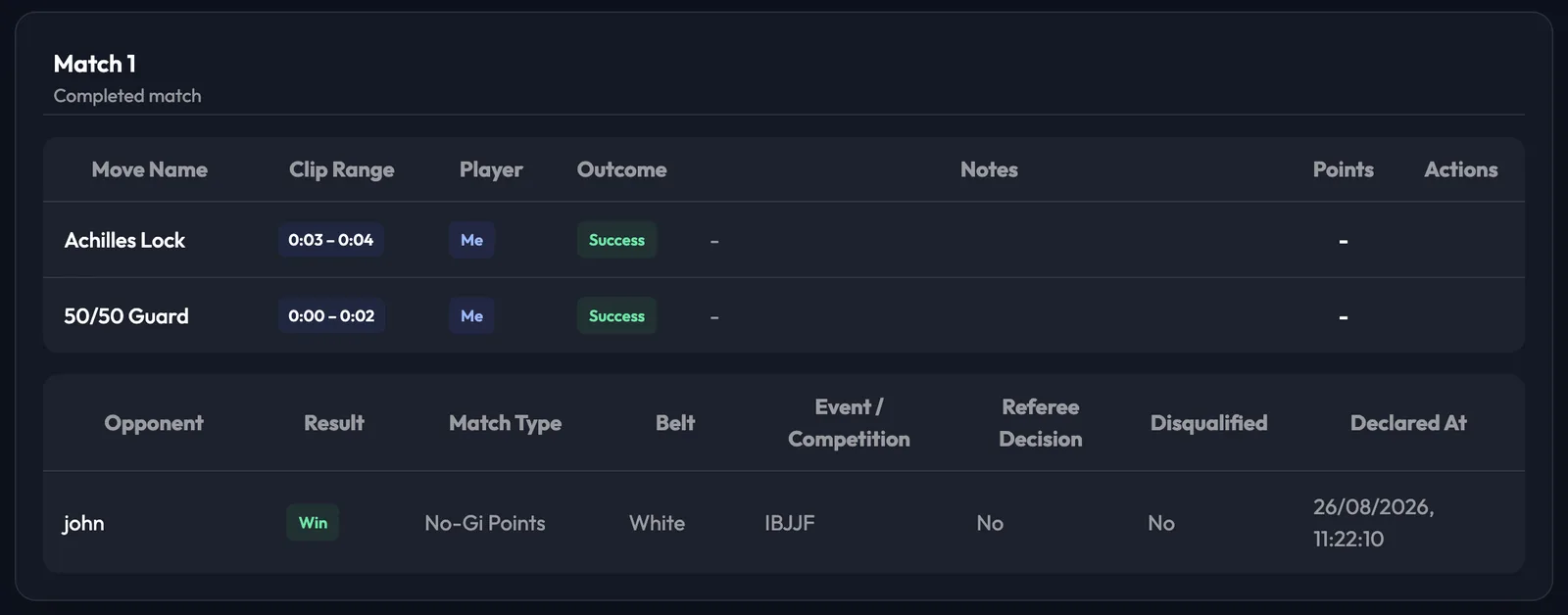
- Each move logged with its clip time and who did it
- Outcome and points recorded for every move
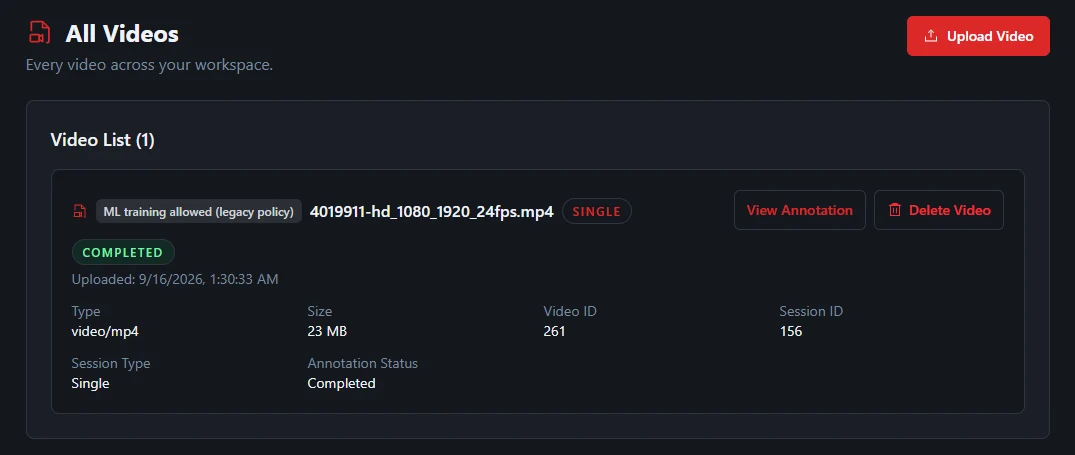
- Works from an uploaded file, or a YouTube or Google Drive link
Expert review
Jiu-Jitsu analysts sit behind the portal and review the videos by hand.
- A review queue for analysts, with tools to correct any move
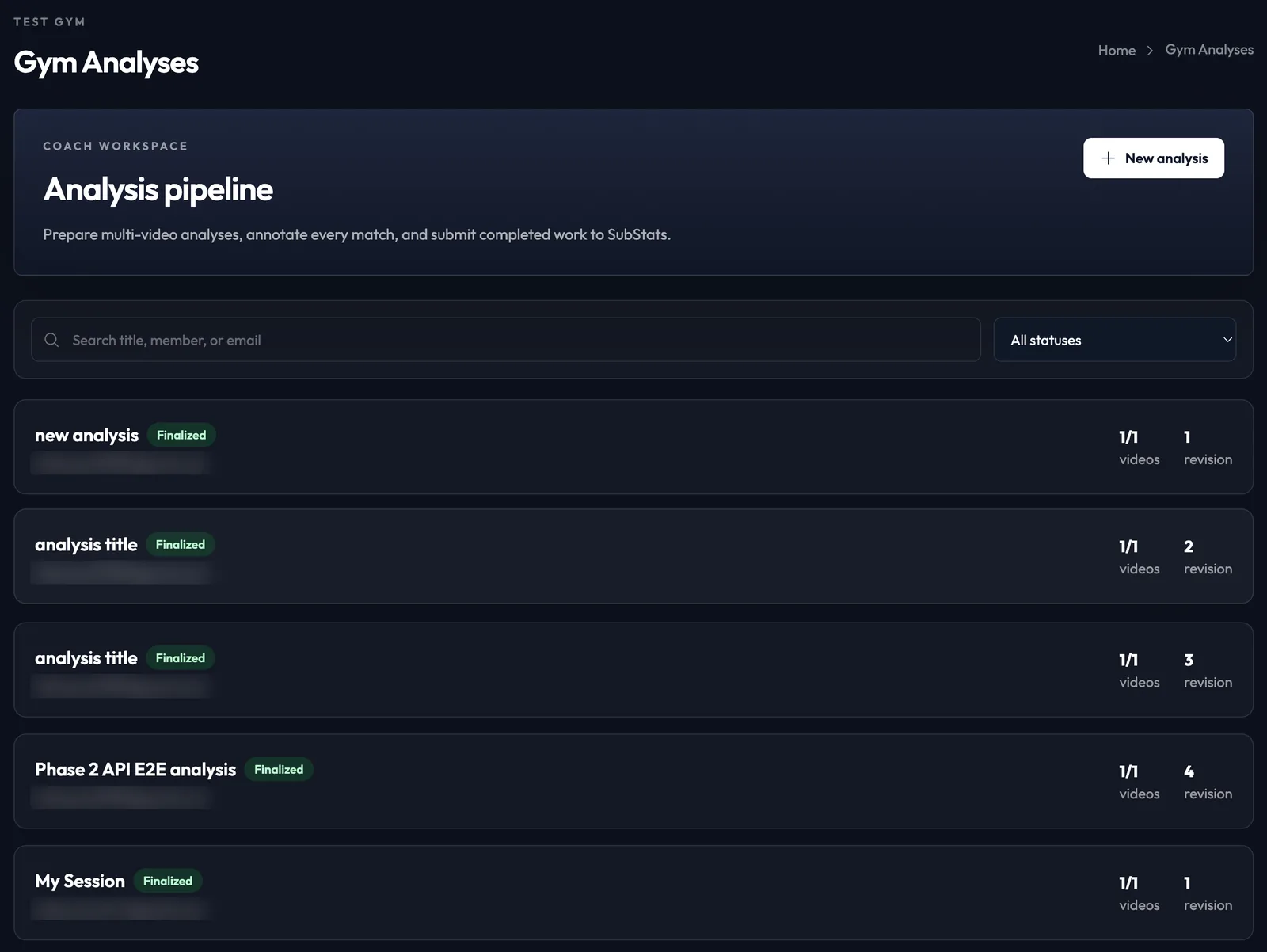
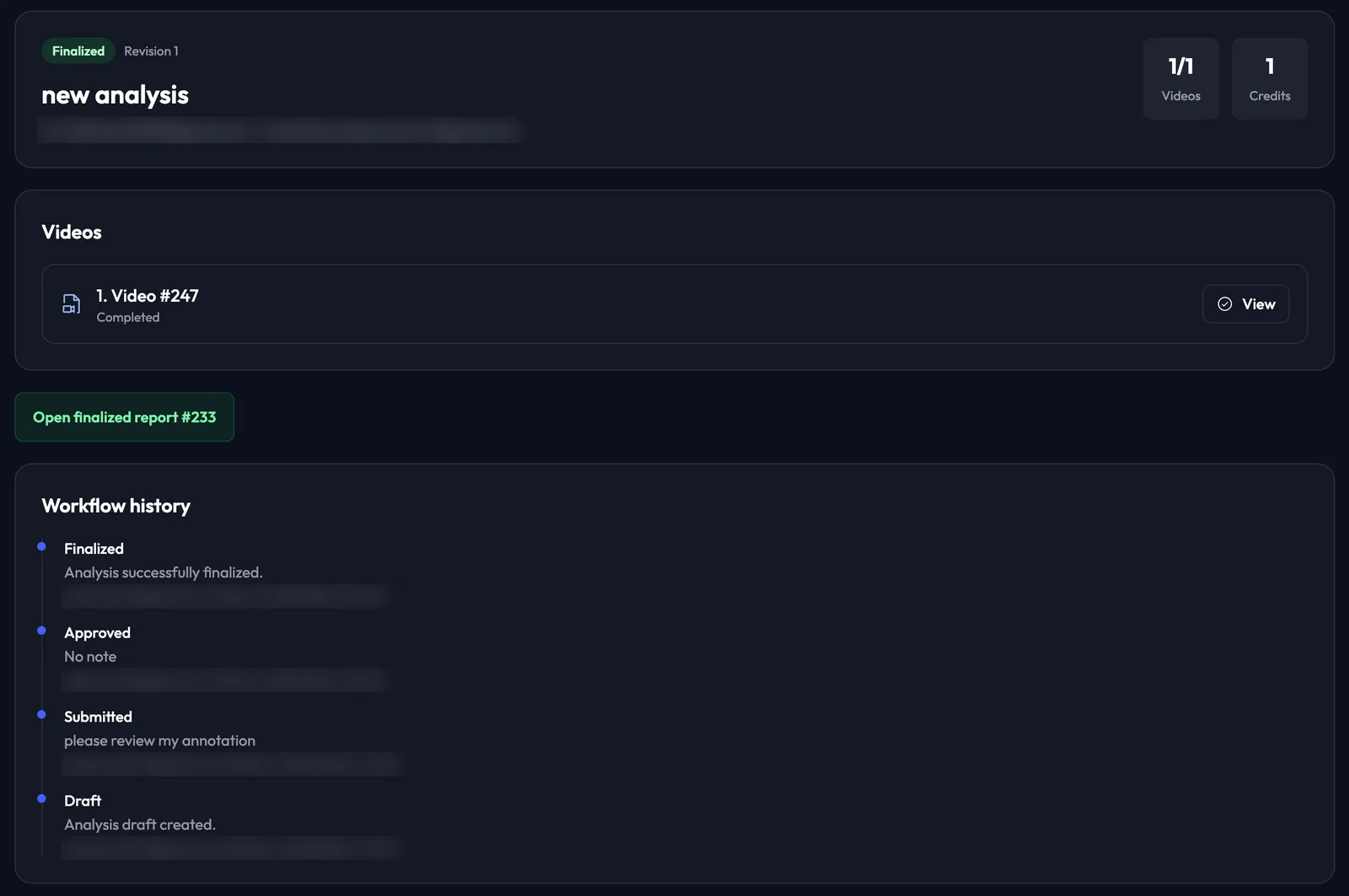
- Draft, submitted, approved and finalized steps, with a full history
- Nothing reaches the athlete until it is approved
Performance reports
Every finished analysis becomes a report the athlete can keep.
- A PDF report generated for each analysis
- Win rate, wins and losses, submissions used and how matches were won
- Stats that build up over time, to show progress and trends
Gym workspace
Gym owners bring the whole team onto the platform.
- Owners add students and coaches, each with their own role
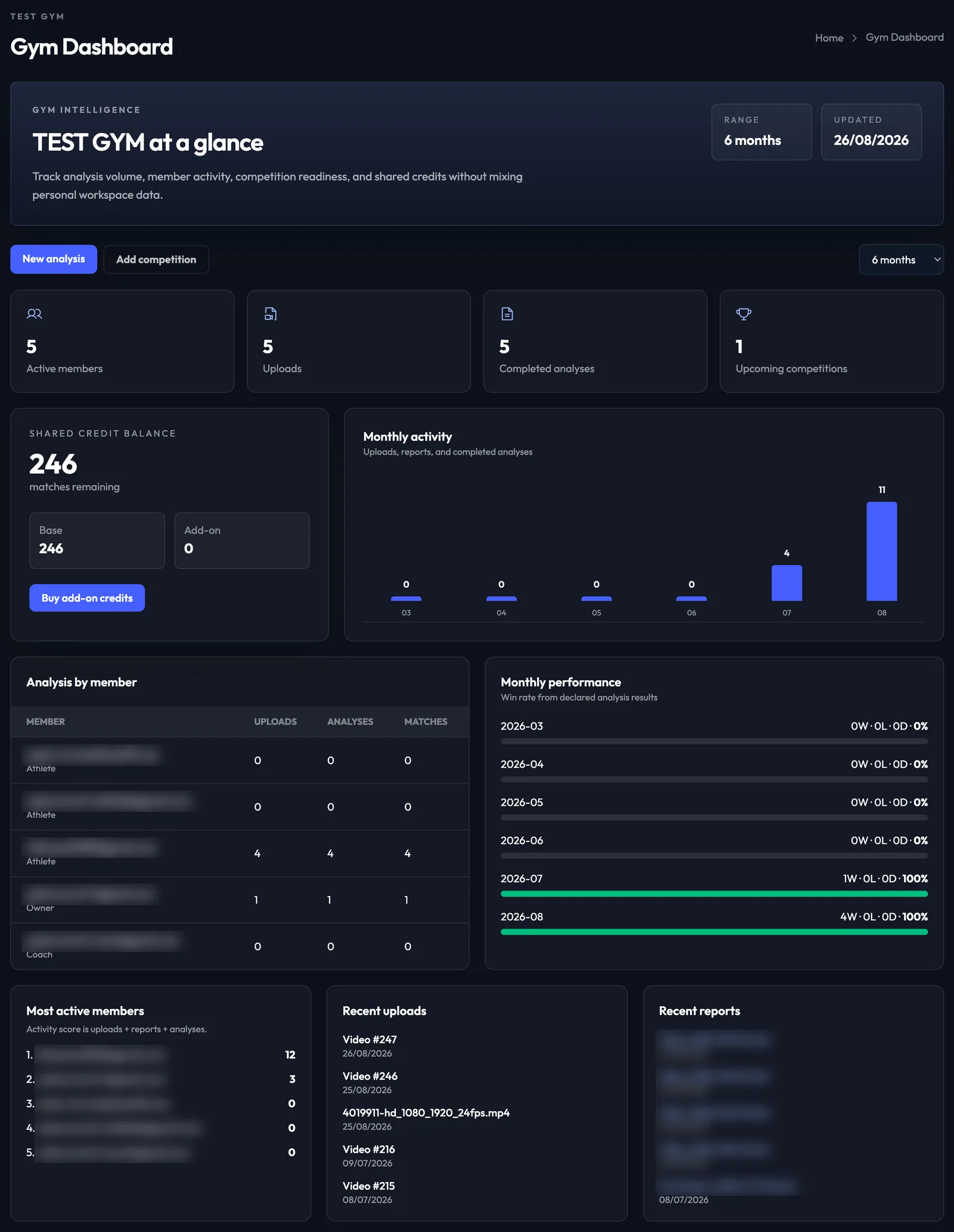
- Gym dashboard: activity, win rate by month and analysis by member
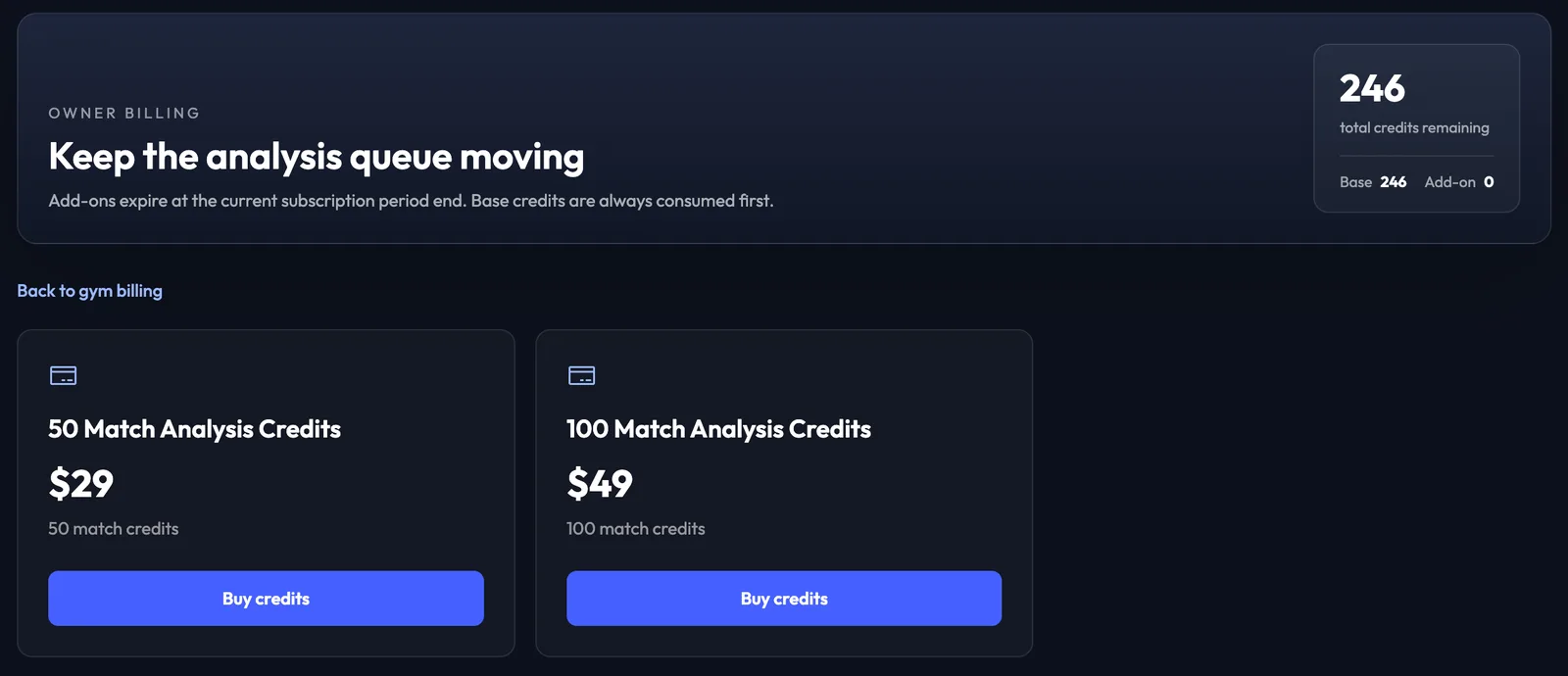
- Competition tracking and shared analysis credits
AI Jiu Jitsu coach
A chat assistant inside the portal.
- Explains what the numbers mean
- Tactical advice and feedback
- Personal suggestions for what to train next
Website, cards and billing
Everything the business needs around the core product.
- The public website, with plans and sign-up
- Shareable athlete cards, generated automatically
- Monthly plans, one-off reports and add-on credit packs
How it works
From match video to a performance report.
The athlete or coach uploads a video, or pastes a YouTube or Google Drive link.
Computer vision models go through the match and log each move and its outcome.
An analyst reviews the video, corrects anything the models missed and approves it.
The athlete receives a PDF performance report, and their stats update in the portal.
Athlete reports
Your matches, in numbers.
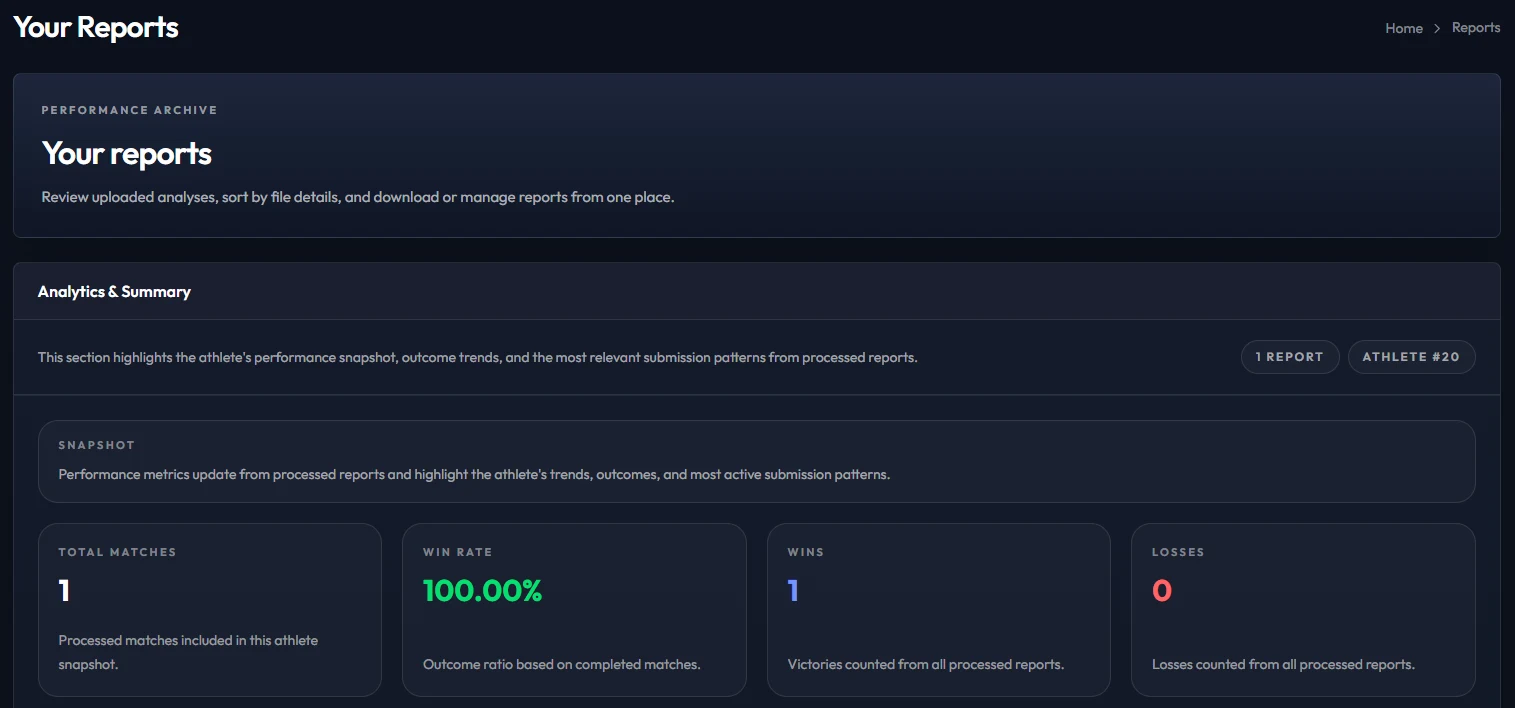
Each athlete has a reports page that adds up every analysed match: total matches, win rate, wins and losses, the submissions they go for most and how they win.
Gym dashboard
A whole gym at a glance.
Gym owners see how active their members are, how many analyses are done, how the team is performing month by month and how many shared credits are left.
Inside the analysis
Every match, move by move.
Each detected move is logged with its clip time, outcome and points. An analyst then reviews the match, and nothing reaches the athlete's report until it has been approved.
Built for three kinds of user
Athletes, coaches and gym owners.
Athletes
Upload matches, get a PDF performance report, follow their progress and ask the AI coach for advice.
Coaches
Upload footage for any member, prepare and tag analyses, and send them for review.
Gym owners
Add their students, see how the whole gym is performing, and manage the plan and shared credits.
Tech used
The tools behind it.
Have an AI product that needs building?
We build AI products end to end: the models, the portal, the reports, payments and analytics.
Screenshots are real and come from a demo gym in the portal. Email addresses and file names are blurred.